 By Dhruvisha J
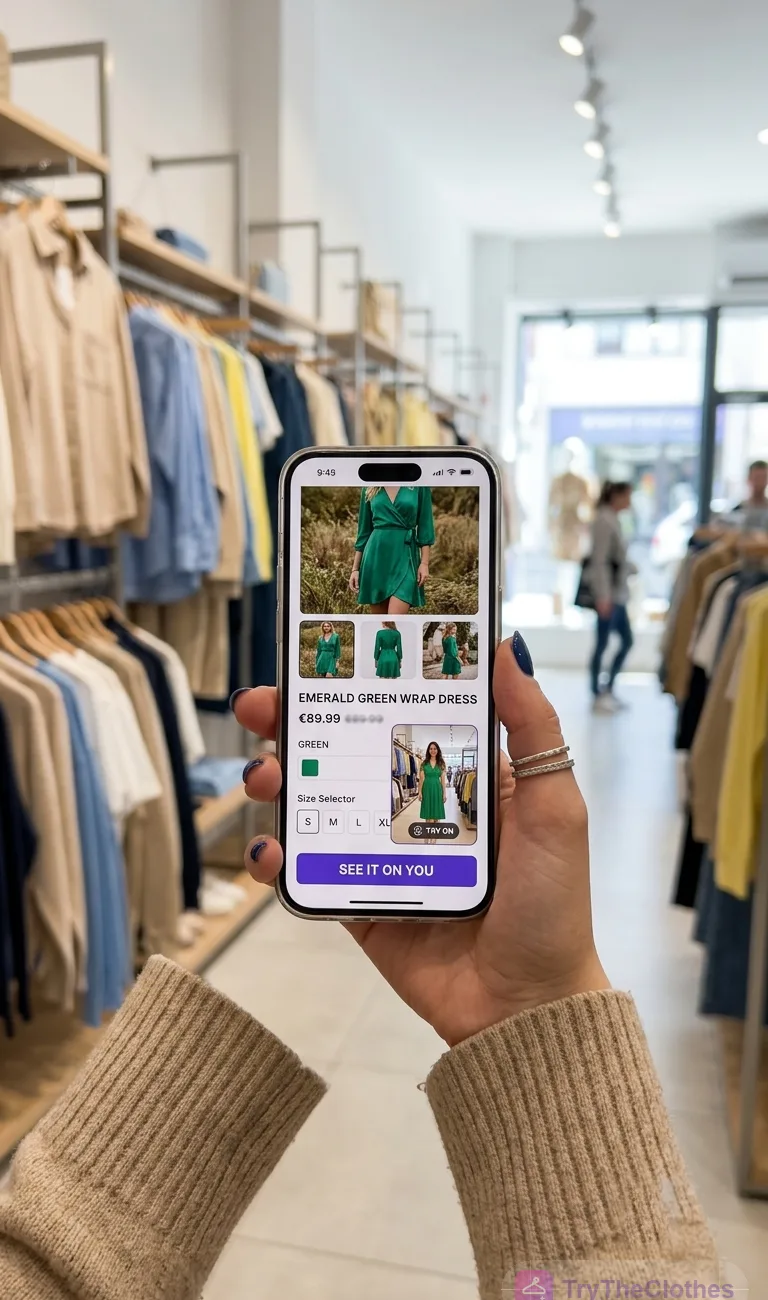
Virtual try-on for fashion brands has gone from novelty to a practical merchandising tool, and if you sell clothing online you have probably felt the reason why. Shoppers cannot touch the fabric or try it in front of a mirror. They are guessing. A good virtual try-on closes some of that gap by letting a customer see a garment on a body, ideally their own, before they commit. For an owner, what matters is not the technology but its effect on conversion, order value, and returns.
This guide is for anyone running a brand or store who is weighing the feature, covering what it means in retail, the business case, setup, cost, and an honest look at accuracy and privacy.
What virtual try-on means for a retailer
At its simplest, virtual try-on is any experience that shows clothing on a body rather than on a hanger or a flat lay. That covers a wide spread of approaches, and it helps to be precise about which one you mean, because the cost and payoff differ.
- Photo-based AI try-on. The shopper uploads a photo and the system renders your garment onto their body. The most personal version, and the one most likely to change a buying decision.
- Model or avatar swapping. The customer picks a preset body type and sees the clothing on that stand-in. Less personal, but reassuring for people who do not want to upload.
- Live camera overlay. Common for glasses, makeup, and accessories tracked onto a face or hands in real time. Full garments are harder because clothing drapes and moves.
- Size and fit recommendation. Not visual, but often bundled with try-on: it suggests a size from measurements or past purchases.
The category is sometimes called a virtual dressing room, and the idea is decades old. What changed recently is that AI image models made photo-based try-on convincing enough, and cheap enough, to put on an ordinary product page without a kiosk or a studio shoot. Our explainer on how AI virtual try-on works goes deeper into the models involved.
How it works on a product page
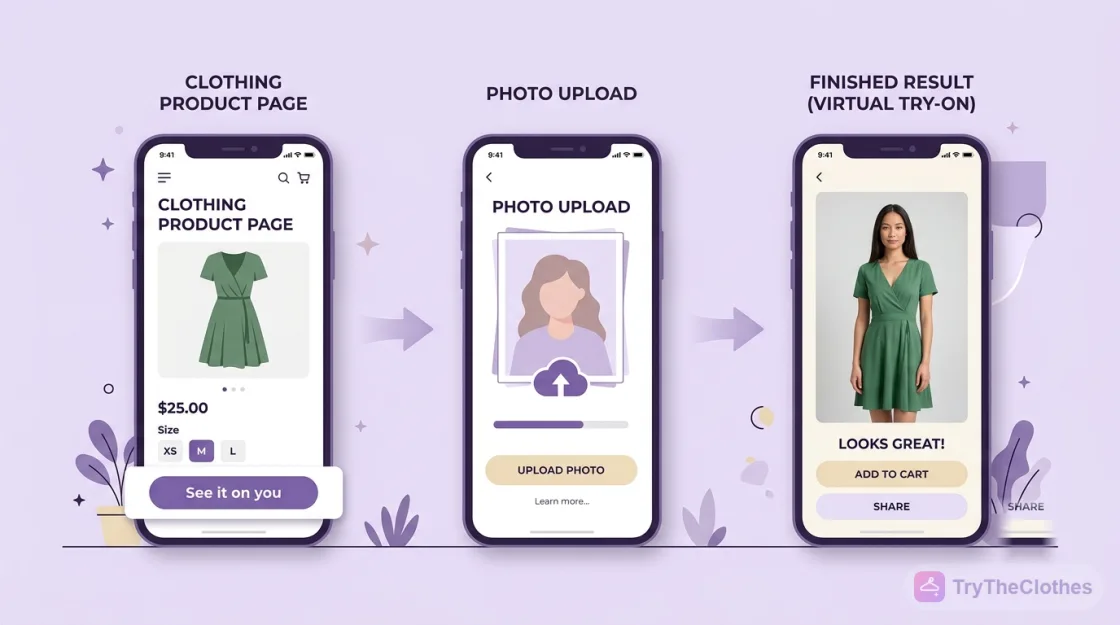
From the shopper's side the flow is short, and that brevity matters, because every extra step loses people. A photo-based experience runs like this.
- The customer sees a clear button near the size selector that says something like "See it on you."
- They upload a full-length photo, or choose one they used before. Some stores also offer a default model so the person can preview without uploading.
- The system detects the body, maps the garment onto it, and returns a rendered image in a few seconds.
- The shopper can switch colours or sizes and re-render, save or share the result, then add to cart from the same screen.
Behind the scenes, your garment images are prepared once, since the model needs a clean view of each product. When a shopper submits a photo, a pose and body-shape step locates the shoulders, waist, and hips, and a generative step composites the clothing onto that body so the folds look plausible. The heavy computation runs on the provider's servers, so you avoid buying infrastructure. Setup is mostly one-time per product and the per-try cost is small, so it scales.
Higher conversions and larger baskets
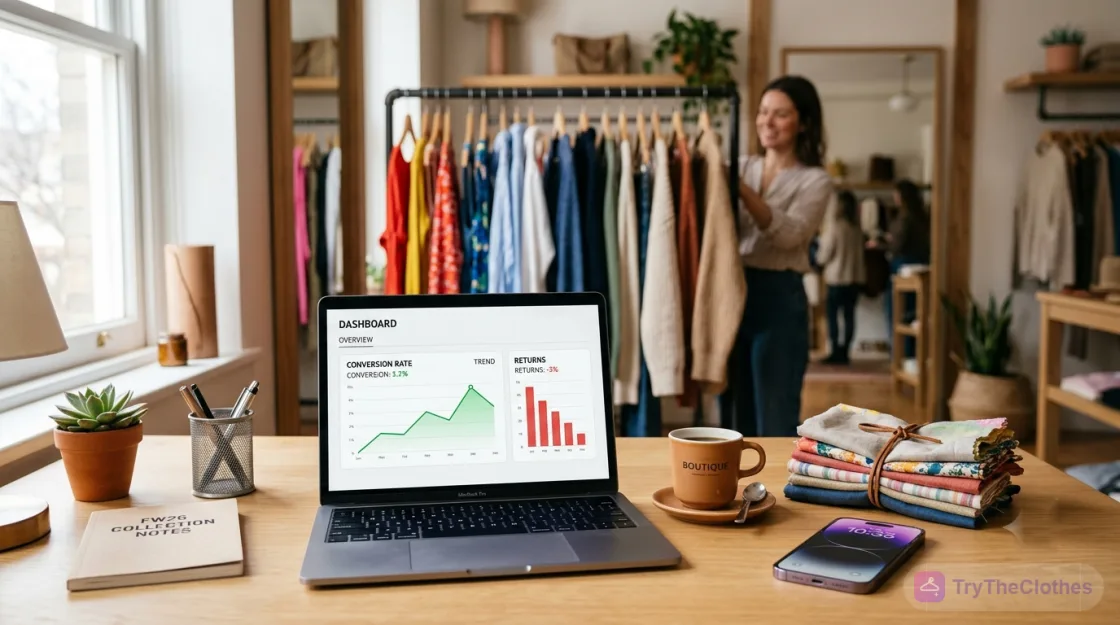
The clearest reason to add virtual try-on for fashion brands is that it moves shoppers stuck in the "I'm not sure how this will look" phase, one of the biggest silent killers of online apparel sales. When a customer can picture themselves in the item, hesitation drops and the add-to-cart decision comes faster. Many retailers report meaningful conversion lifts among shoppers who use a try-on feature. The size of the lift depends on your category and how prominent you make the feature, so measure your own rather than trusting a published figure.
Try-on also nudges average order value. A shopper who has seen one item on themselves is primed to try a second, so cross-sell prompts land better. Confidence also reduces the "buy two sizes, return one" behaviour that pads order value on paper but destroys margin. We cover more in our piece on the benefits of virtual try-on.
Fewer returns, lower costs
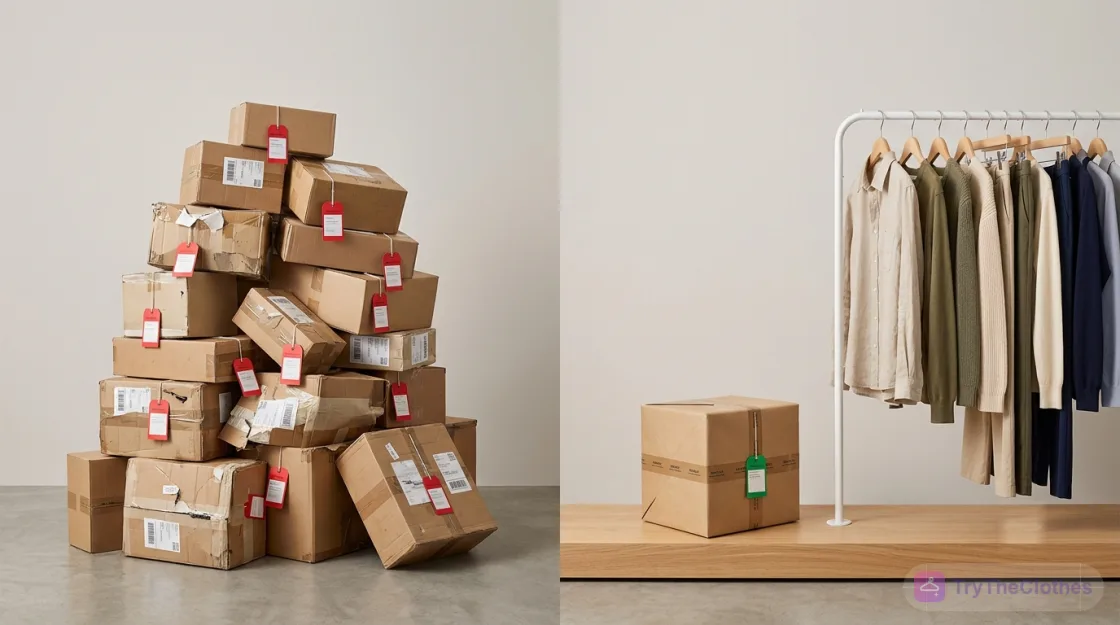
Returns are the tax that quietly eats apparel margins. Between shipping both ways, repackaging, and stock that comes back unsellable, a single return can wipe out the profit on several sales. Anything that helps a shopper order the right thing the first time attacks that cost directly.
Virtual try-on reduces two of the most common return reasons: "it didn't look how I expected" and, when paired with size guidance, "it didn't fit." Many retailers report lower return rates where shoppers used a try-on or fit tool, though the effect varies by category and you should verify it against your own data. When you model the return on investment, this reduction is often the largest and most defensible component, because it shows up in hard operational costs rather than soft metrics.
More engagement and better data
A try-on interaction is inherently sticky, so people linger and come back to finish a look. Shoppers also tend to save or share their rendered looks, which turns a private session into a small piece of organic reach, and a friend's opinion is one of the most powerful nudges in fashion.
Every try-on also tells you something: which items people wanted to visualise, which colours they cycled through, which sizes they compared. Aggregated, that reveals demand and hesitation patterns, such as what to restock and where a size run is off. The caveat is that this data must be collected with clear consent and a genuine purpose, especially when photos of real people are involved, so treat it as a trust relationship rather than a harvest. The same tooling can also produce marketing imagery, so a store that already uses a free text-to-image generator for campaigns will find the muscle partly built.
How to add virtual try-on in 5 steps
If you decide to go ahead, the rollout is more straightforward than most owners expect. Here is a practical order of work that keeps risk low:
- Pick one high-anxiety category to start. Choose a group where fit worry and returns run highest, such as dresses or outerwear, rather than the whole catalogue.
- Choose a hosted service or platform plugin. For most small and mid-size stores this is the fastest route, so connect your catalogue and skip any custom build for now.
- Prepare your product images to the provider's spec. The renders are only as good as the source, so clean, well-lit shots on a plain background give the clearest view.
- Place the try-on button where it converts. Put it next to the size selector, above the fold, and add a default-model option for shoppers who prefer not to upload.
- Instrument, test, and expand. Tag try-on users from day one so you can compare their conversion and return rates against everyone else, then roll out to the next category.
A real example, start to finish
To make the steps concrete, here is a realistic walk-through for a small boutique. Treat the figures as illustrative; the point is the sequence and how you read the results.
- The problem. A boutique selling occasion dresses online sees strong traffic but a high return rate, and the reason customers give most is that the dress looked different in person.
- The decision. The owner picks a hosted service billed per try, limited to the twenty best-selling dresses so cost and results stay easy to track.
- The setup. Over a few days the team re-shoots those dresses to spec, connects the catalogue, and adds a "See it on you" button beside the size selector, with a default-model option.
- The launch. Try-on users are tagged in analytics from day one, and the owner reviews every render before it goes live.
- The read. After a few weeks the tagged shoppers show a higher add-to-cart rate and a lower return rate on those dresses than untagged shoppers.
- The expansion. Confident in the pattern, the owner extends try-on to outerwear and jumpsuits, holding back only the sheerest and busiest prints for now.
What it costs
The cost question rarely has one answer, because virtual try-on spans a build-it-yourself project and a paste-in widget. Four broad routes exist, and they trade effort against control.
- Hosted try-on service or app. The lowest lift: connect your catalogue, add a button, pay a subscription or per-try fee. Best for most small and mid-size stores.
- Platform plugin or extension. Install on a common commerce platform for a plugin licence plus usage, if you run on a mainstream storefront.
- API integration into a custom site. Some developer time to wire it up, with usage-based pricing, if your storefront is bespoke.
- A fully in-house model. The highest cost, needing data, machine-learning talent, and infrastructure. Reserved for large retailers with the budget to justify it.
The licence fee is only part of the picture. Plan for time to prepare imagery to spec, design work to place the button well, and a short QA pass, since busy prints and unusual cuts are the usual troublemakers. A hosted or plugin route can be live in days rather than months.
Common concerns, answered honestly
No feature is free of trade-offs. These are the objections that come up most often, with a realistic response to each.
| Concern | Reality and mitigation |
|---|---|
| The render won't be perfectly accurate | It won't be flawless, and that is fine, because the goal is a helpful preview rather than a photograph. Frame it as a guide, keep improving source images, and pair it with a reliable size chart. |
| Customers worry about photo privacy | Use a provider with a clear policy, get explicit consent, avoid retaining photos longer than needed, and say so plainly. A default-model option serves shoppers who prefer not to upload. |
| It might feel gimmicky and erode trust | Trust erodes when the tool over-promises. Position it honestly and make it useful, and it reads as service rather than spectacle. A quiet button beats a flashy pop-up. |
| It adds friction or slows the page | Keep the try-on optional and asynchronous so the core page stays fast. Shoppers who want it opt in; everyone else shops normally. |
| Some garments render poorly | Complex prints, sheer fabrics, and unusual cuts are the weak spots. Roll out category by category, and hold back items that render poorly until the tooling improves. |
The honest summary is that virtual try-on is a strong aid, not a magic mirror. Retailers who treat it as one input among several, alongside clear photography, size guides, and easy returns, get the upside without disappointing customers.
Frequently asked questions
Does virtual try-on for fashion brands really increase sales?
The evidence points to a real effect, but it is not uniform. Many retailers report higher conversion and lower returns among shoppers who use try-on. The size of the gain depends on your category and how prominently you feature it, so measure your own lift rather than trusting a headline.
How much does it cost to add virtual try-on to my store?
Less than most people expect at the entry level. A hosted service or a platform plugin usually runs on a subscription or per-try basis and can be live within days, with the main effort going into product images and button placement. Costs rise sharply only if you build in-house.
Will customers trust it with their photos?
They will if you are transparent. Choose a provider with a clear data policy, ask for explicit consent, keep photos no longer than necessary, and say so on the page. A default-model preview lets privacy-conscious shoppers benefit without uploading.
What kinds of clothing work best with virtual try-on?
Structured, solid-colour garments such as dresses, tops, outerwear, and knitwear render most convincingly, which is also where fit anxiety and returns run highest. Very sheer fabrics, busy prints, and unconventional cuts are harder, so launch on your strongest categories and expand as the tooling improves.
The bottom line
Virtual try-on for fashion brands is no longer an experiment reserved for the biggest names. The tooling is affordable, a hosted or plugin route can be running in days, and the business case rests on metrics owners already track: more confident conversions, larger baskets that stick, fewer costly returns, and richer first-party data. None of that requires believing the hype; it requires measuring carefully and rolling out where fit anxiety is highest.
Approach it as an honest aid rather than a magic mirror, transparent about privacy, realistic about accuracy, and paired with good photography and easy returns, and it tends to pay for itself while making the shopping experience better. Start small, instrument everything, and let your own numbers decide how far to take it.
Ready to try it yourself? Upload a photo and see any outfit on you in seconds, and your first try-ons are free. Start a try-on →
One useful style tip a week
What to wear, how to size, and new try-on features. Short, useful, unsubscribe any time.