 By Dhruvisha J
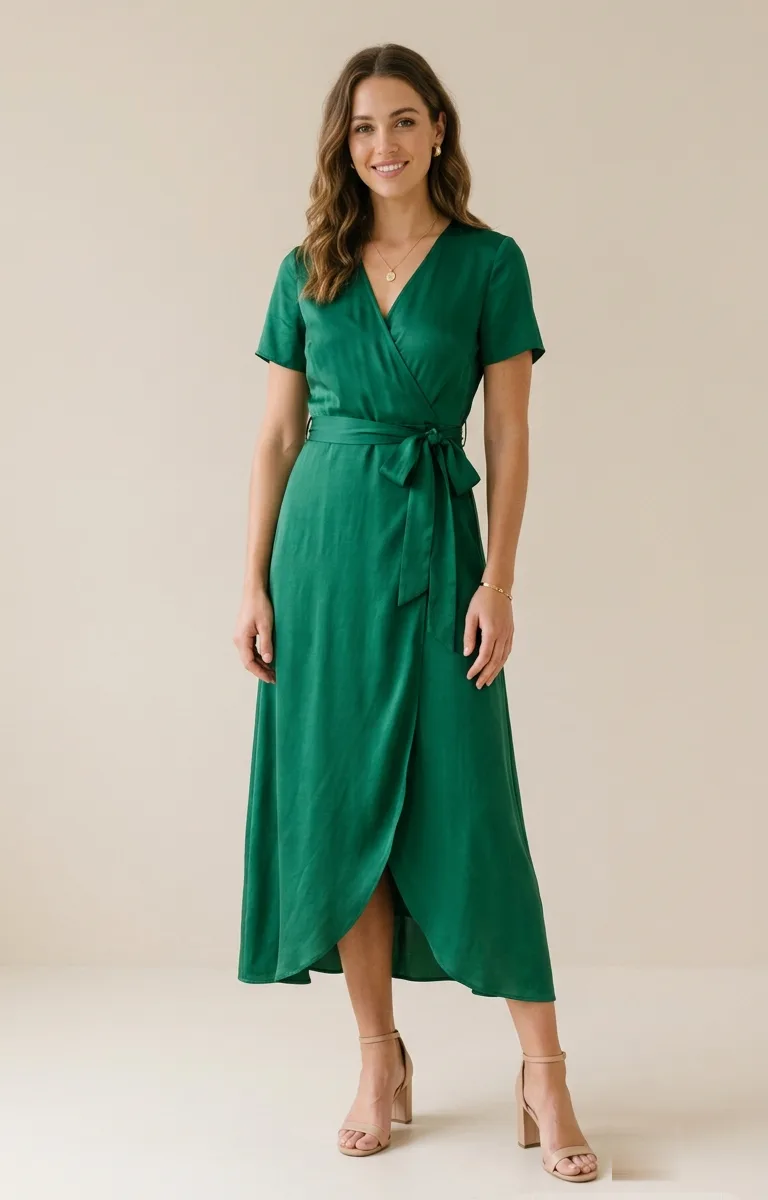
If you have ever spotted a jacket online and wished you could hold it up against yourself in the mirror, that is more or less what AI virtual try-on does for you now, using nothing but a photo. The idea that you can try on clothes with your photo sounds futuristic, but the reality is refreshingly plain. You hand the tool a picture of yourself and a picture of a garment, and it gives you back a realistic image of you wearing that garment. There is no app to install, no measurements to take, and no fitting room queue to stand in.
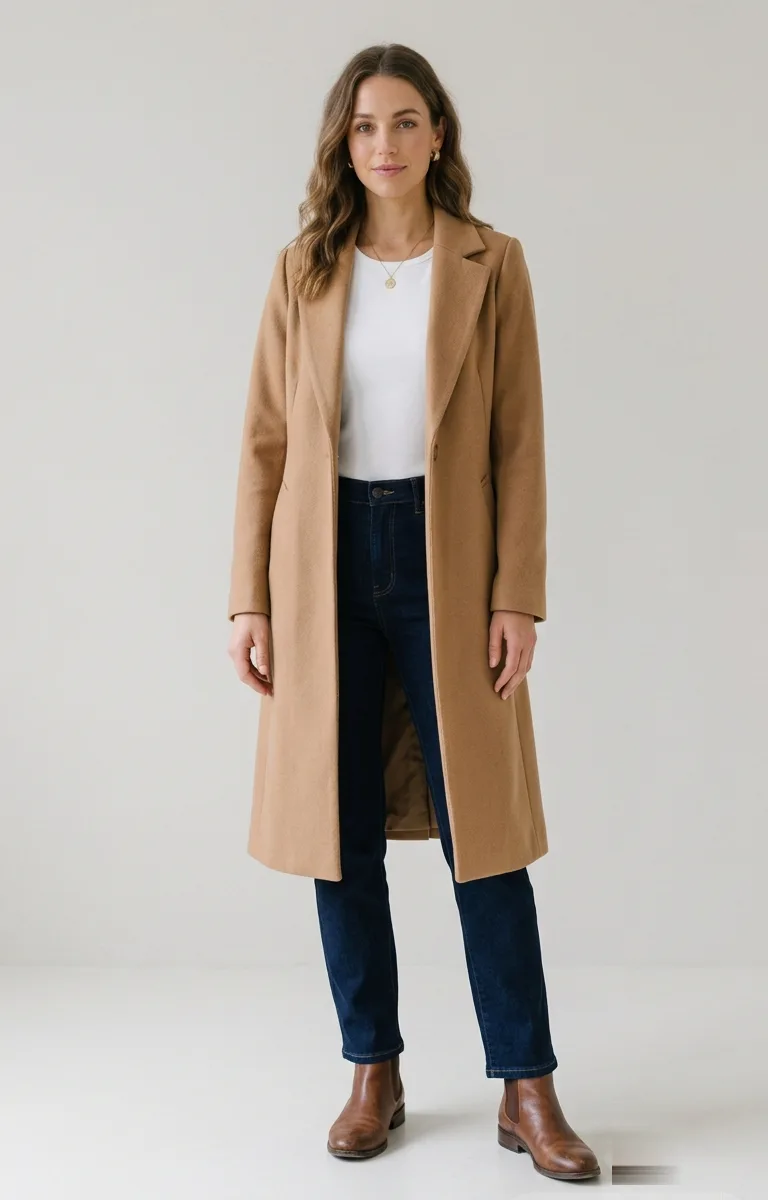
This is a friendly, no-jargon guide for anyone who has never tried the technology and wants a clear walk through from start to finish. You will learn what you need, exactly how the steps work, and the two or three small choices that separate a result that truly looks like you from one that feels a little off. By the end you will be able to preview almost any piece on yourself in under a minute.
What it means to try on clothes with your photo
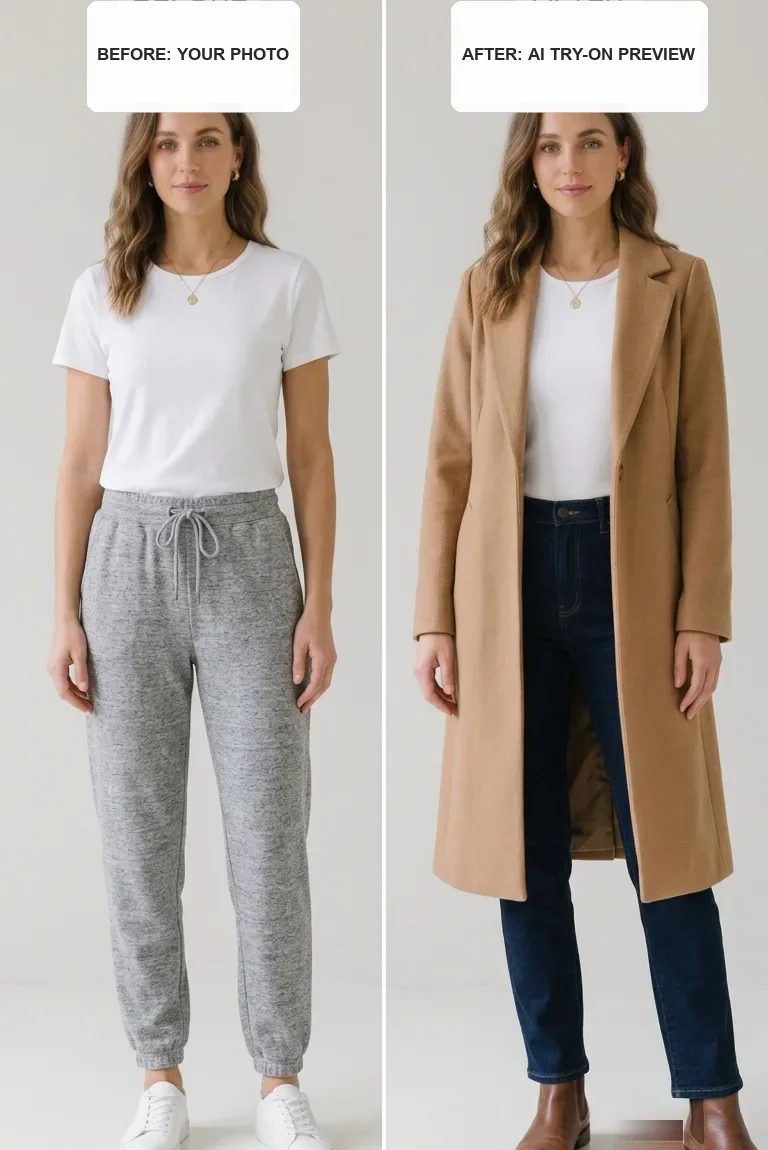
To try on clothes with your photo means using AI to preview a garment on your own body from a single picture, without ever putting the item on. Years ago, "virtual try-on" meant a flat cut-out of a shirt stretched over your photo. It looked fake, and honestly, nobody trusted it. Today's tools use generative AI to paint a brand-new image of you in the clothing, complete with natural folds, shadows and lighting that match your original picture.
The important word there is generated. The software does not glue a sticker of a shirt onto your photo. It creates a fresh, believable image where the fabric appears to wrap around your real shape, which is why a good result can look like a genuine photograph of you in the item. This kind of tool is sometimes called a virtual fitting room, and if you enjoy the background story, our plain-language explainer on how AI virtual try-on works covers it. You do not need any of that to begin, though.
What you need to get started
Almost nothing, which is a big part of the appeal. Here is the whole list.
- A photo of yourself: an ordinary phone photo is perfect, so no professional camera is needed.
- A photo of a garment: usually the product image straight from an online store.
- A web browser: the tool runs online, so there is nothing to download or install.
That really is it. There is no body scanner, no app and no special hardware. If you can save two pictures and open a website, you can try on clothes with your photo. A free tool to try on clothes online takes care of the rest for you.
How to try on clothes with your photo in 5 steps
The whole process takes about a minute once your two images are ready. Follow these steps in order.
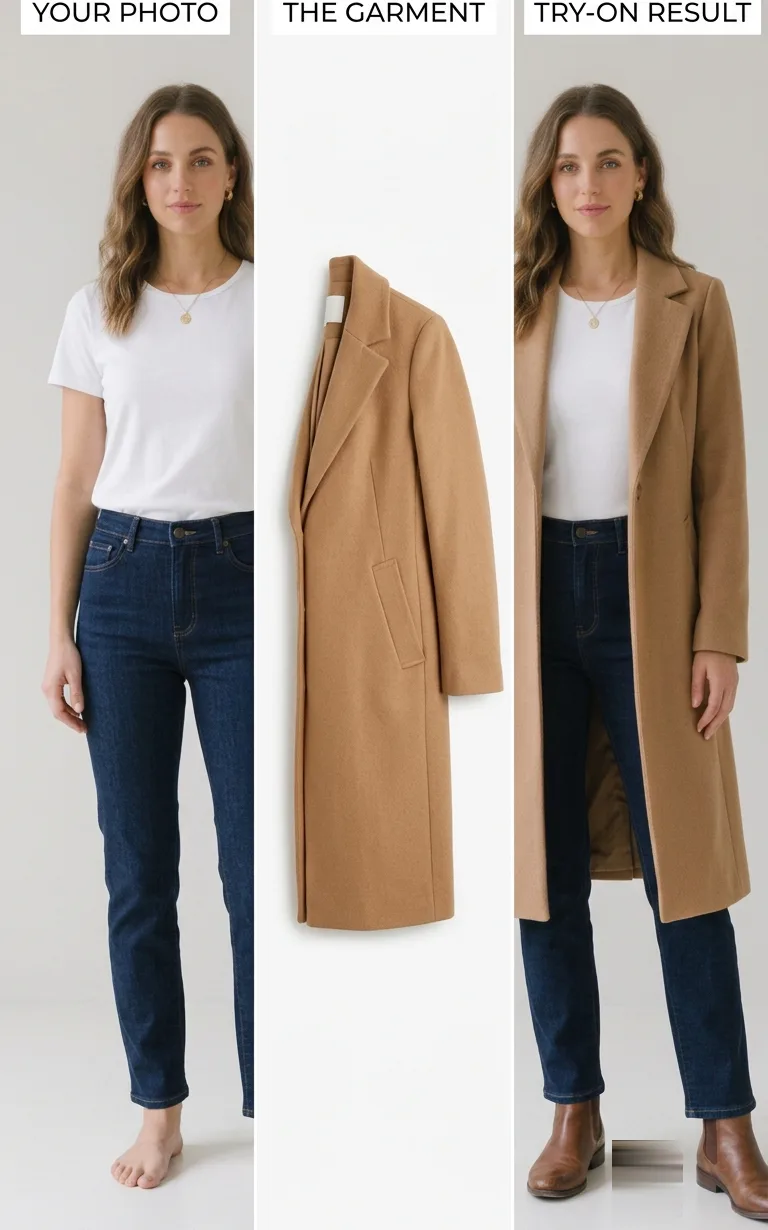
- Choose your photo. Pick a clear, front-facing picture of yourself where the part of your body the garment will cover is visible.
- Choose the garment image. Find a clean product photo of the item you want to preview, ideally shot from the front on a plain background.
- Upload both pictures. Add your photo and the garment image to the tool. This is where you upload your photo, and it stays in your browser.
- Generate the result. Press the button and wait a few seconds while the AI builds the image of you in the clothing.
- Look and adjust. Review what comes back. If anything looks off, swap in a better photo or a cleaner garment image and run it again.
The clicking is the easy part. The choosing is where the quality really comes from, because your two images decide almost everything about the result. The next two sections spell out exactly what a good photo of you and a good garment image look like.
What makes a good photo of you
Your source photo is the single biggest factor in a realistic result. You do not need anything fancy, just a few simple things done right.
The essentials
- Face the camera: stand straight and square, not turned or angled away.
- Show enough of your body: include the whole area the garment covers. Go full-body for dresses and outfits, and upper body is fine for tops.
- Use soft, even light: face a window or stand in open shade, and steer clear of harsh sun and dim rooms.
- Keep the background plain: a blank wall helps the AI trace the outline of your body cleanly.
- Wear something fitted: a plain t-shirt lets the software read your true shape.
Get these right and you have removed almost every common cause of a poor result. For a deeper, illustrated version of this checklist, our guide to the perfect photo for virtual try-on covers each point in more detail.
What makes a good garment image
The garment picture matters just as much as the one of you. The best inputs are a clean flat-lay, meaning the item laid flat and shot from above, or a crisp product photo on a plain background showing the front of the piece. Both give the AI the garment's true colour, pattern and cut with nothing to distract it.
Try to avoid images where the clothing is heavily wrinkled, folded in half, partly hidden behind a model's arm, or shot at a steep angle, because the software will faithfully reproduce whatever confusion sits in that picture. When you shop, most stores offer a clean front-on product shot, and that is the one to save. It also helps to preview one item at a time rather than a whole layered outfit, since the AI is at its best with a single, clearly defined garment.
A real example, start to finish
Theory is fine, but a real run makes it click. Say you are browsing for something to wear to a friend's birthday dinner, and two pieces catch your eye: a floral crop top and a burgundy ruffle skirt. You are not sure the combination suits you. Here is how the whole thing plays out.
- You take a full-body photo at home. You face a window for soft light, stand square to the camera against a plain wall, and wear a fitted top so your shape reads clearly.
- You open the store page for the burgundy skirt and save its front-on product photo, the clean one on a white background rather than the shot of a model mid-stride.
- You open the try-on tool in your browser, upload your photo, and upload the skirt image next to it.
- You press generate. A few seconds later you see yourself in the burgundy ruffle skirt, and the length and drape look right for you.
- Now you want to check the top. You save the clean product photo of the floral crop top from its own page.
- You run the tool again with your same photo and the crop top image, previewing one garment at a time so the AI stays sharp.
- The result looks a touch flat, so you swap in a slightly brighter photo of yourself and generate once more. The second attempt looks noticeably more like you.
- Happy with both previews, you glance at each item's size chart to confirm the fit, then place your order knowing roughly how the outfit will look on the night.
The whole exercise took a couple of minutes and turned a guess into something you could actually see before spending a rupee.
What to expect from your first try
Setting honest expectations makes the whole experience better. Here is what virtual try-on does well and where it has limits.
| What it shows | How reliable |
|---|---|
| Colour and print on you | Very accurate |
| Overall silhouette and style | Very accurate |
| Length and drape | Accurate with a full-body photo |
| Exact fit and size | A guide, so confirm with the size chart |
| Sheer or heavily layered items | Less reliable, results vary |
In short, treat your first result as a strong visual preview, not a tape measure. It will tell you whether a piece suits you, meaning its colour, cut and overall vibe, with real confidence, and you confirm the size using the retailer's own measurements. If the first output looks slightly off, change one thing and run it again. Because each attempt takes only seconds, a quick second try almost always looks better than the first.
Try it with your own photo
The best way to learn all of this is to do it once. Take a clear, front-facing photo of yourself in soft light against a plain wall, or use one you already have, then find a clean product image of something you have been curious about. Upload both, press generate, and watch yourself appear in the garment in seconds. That first result usually makes the whole idea make sense.
Our free virtual try-on needs no app to install. You sign up for a free account, get free credits to start, and only pay if you want more try-ons. Once you feel comfortable, try previewing a few pieces before your next online order. And if you want to see accessories on yourself too, our jewellery try-on works in exactly the same way with necklaces and earrings.
Frequently asked questions
Do I need an app to try on clothes with my photo?
No. The tool runs in a normal web browser on your phone or computer, so there is nothing to download or install. You upload a photo of yourself and an image of the garment, and the result appears in seconds.
What kind of photo of myself should I use?
Use a clear, front-facing photo in soft, even light against a plain background, showing the area the garment will cover. Go full-body for dresses and outfits, and upper body for tops. Wearing something fitted helps the AI read your true shape, and a normal phone photo is perfect.
Is it accurate enough to shop by?
For colour, style and overall silhouette, yes. A modern try-on is accurate enough to decide whether a piece suits you. For exact fit and size, treat it as a guide and confirm the numbers with the store's size chart before you buy.
Is it free to try on clothes with my photo?
It is free to start. You sign up for a free account, get free credits to try it in your browser, and only pay if you want more try-ons. There is no app to install either way.
The bottom line
Being able to try on clothes with your photo turns online shopping from guesswork into something you can actually see. You need only a picture of yourself, a picture of a garment and a browser, with no app, no measurements and no fitting room. The AI generates a believable image of you in the item, and the whole thing takes about a minute from start to finish.
Everything comes down to two simple choices: a clear, front-facing, well-lit photo of yourself against a plain background, and a clean front-view image of a single garment. Get those two right and your first try will look surprisingly like you. Use it to judge colour and style with confidence, confirm the size with the chart, and you will never again have to buy clothes online purely on hope.
Ready to try it yourself? Upload a photo and see any outfit on you in seconds, and your first try-ons are free. Start a try-on →
One useful style tip a week
What to wear, how to size, and new try-on features. Short, useful, unsubscribe any time.